Shared Team Vacation Calendar
Every approved vacation shows on a shared team calendar, filterable by team or department. Employees can see who else is off before they submit a request — reducing conflict from the start.

Day Off is the online vacation tracker that makes team time-off planning effortless. Employees request vacations in seconds, managers approve in one tap, and everyone sees who's off — preventing conflicts before they happen.
Free vacation tracker forever · No credit card required · Set up in minutes





A shared team vacation calendar means no more "who's off this week?" — everyone sees approved vacations at a glance, from any device.
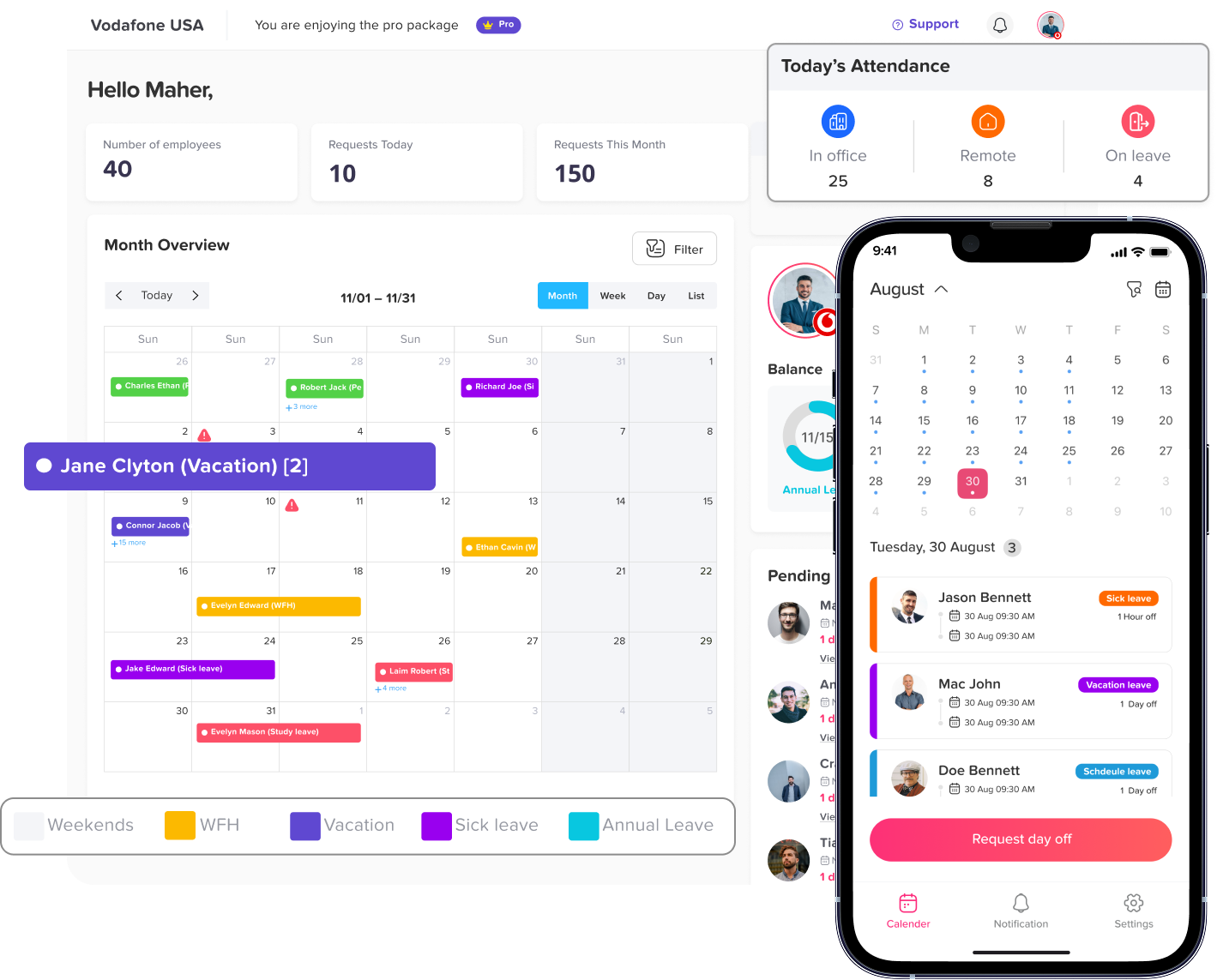
From the first vacation request to team coverage planning, Day Off helps managers and employees handle time off without conflict or confusion.
Every approved vacation shows on a shared team calendar, filterable by team or department. Employees can see who else is off before they submit a request — reducing conflict from the start.
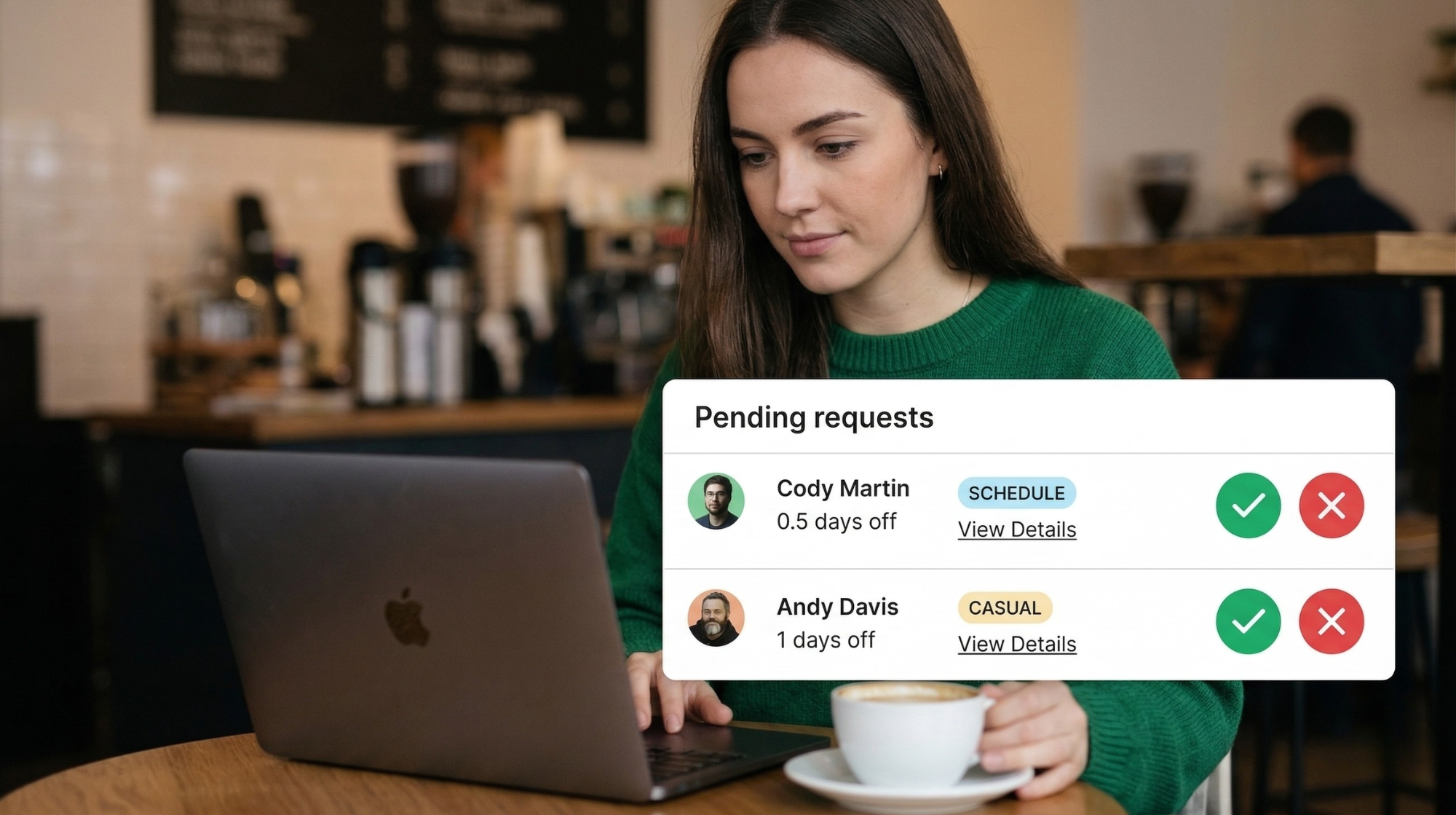
Employees submit vacation requests in seconds from web or mobile. Managers get an instant notification and approve with one click — from email, Slack, or the app. No friction, no back-and-forth.
Every employee sees their remaining vacation days in real time — before they even submit a request. Balances update automatically when requests are approved. No manual calculations, ever.
Set minimum team coverage requirements to prevent too many people taking vacation simultaneously. Day Off warns managers about coverage gaps before they approve conflicting requests.
Vacation trackers that ignore public holidays miscalculate balances. Day Off automatically excludes public holidays in 60+ countries when calculating vacation duration — accurate every time.
Available on iOS and Android. Employees submit vacation requests and check their balance on the go. Managers approve from anywhere. Vacation planning has never been this easy.
Vacation scheduling is hard when you can't see the big picture. Day Off gives managers full team availability visibility so every vacation approval is an informed decision — not a guess.
Three steps to stress-free vacation planning for your whole team.
Define vacation entitlements, carryover rules, and minimum notice periods. Add your public holidays and set coverage requirements. Your team is ready in under 5 minutes.
Team members check the shared calendar to avoid clashes, then submit vacation requests from web or mobile. They see their balance and available days instantly before submitting.
Managers see team availability before approving. Approve with one tap. The team calendar updates instantly and syncs to everyone's Google Calendar or Outlook automatically.
Approved vacations appear automatically in Google Calendar, Outlook, Slack, and Teams — so your team always knows who's off without checking another app.
Join 50,000+ companies who use Day Off as their team vacation tracker every day.
"Day Off is very easy to use for everyone. We love how it integrates with Google Calendar so everyone can be aware when people are on vacation. Simple but efficient."
"Excellent vacation tracker — it freed up so much time and resource. Calendar integration and the email approval nudges are brilliant. The team grew faster once vacation planning stopped being a headache."
"The vacation tracker solved our staff communication gap instantly. Tracking who's on vacation used to be impossible — now it's completely effortless. Highly recommended."
Everything you need to know about our free online vacation tracker.
An online vacation tracker is an app that manages employee vacation requests, tracks remaining vacation days, shows team availability on a shared calendar, and syncs approved time off to your existing calendar tools.
Yes. Day Off is completely free for teams of any size with no credit card required. You can track vacation requests and balances for your whole team — unlimited — at no cost. Forever.
When a manager reviews a vacation request, Day Off shows who else on the team is already off during that period. You can also set minimum coverage rules that automatically block approvals when too many team members want the same dates.
Yes. Day Off automatically excludes national public holidays (60+ countries) when calculating vacation duration. Employees in different countries can have their own local holiday calendars applied automatically.
Yes. Day Off supports full-day, half-day (morning or afternoon), and hourly time-off requests — giving your team the flexibility to take partial vacation days when needed.
Once connected, every approved vacation request automatically creates a calendar event in the employee's Google Calendar or Outlook Calendar. The event is also visible on a shared team calendar so everyone stays in sync.
Join 50,000+ companies planning team time off with Day Off. Free vacation tracking forever, no credit card required.
Free forever · No credit card required · Set up in 5 minutes
 REST API